Push notifications end to end: APNs, FCM and token lifecycle
How APNs and FCM tokens are generated, stored, refreshed, and invalidated, plus failure modes and production token hygiene across React Native and Flutter.
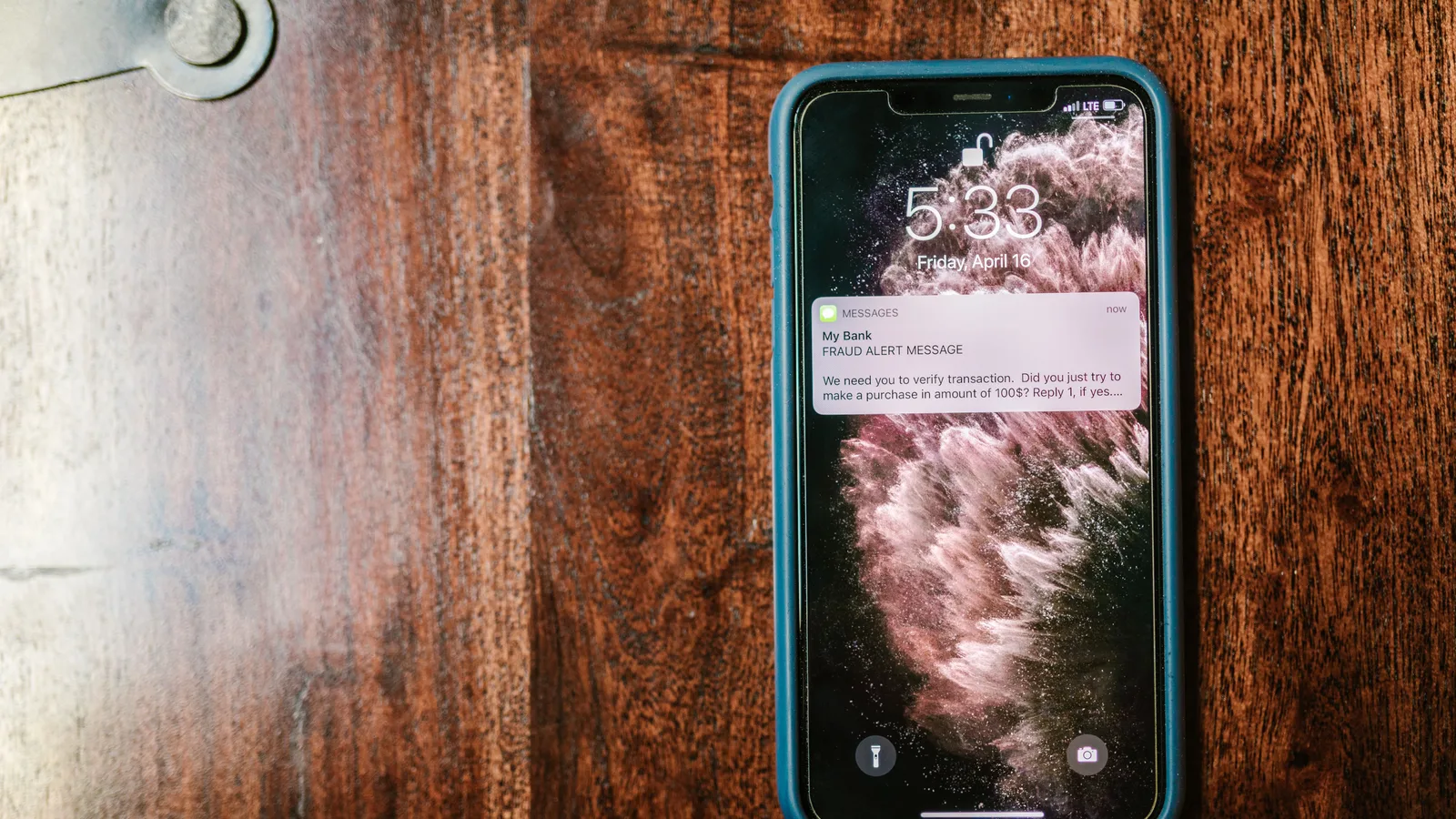
Push notifications feel like a solved problem until the first production incident: a silent drop on Android after a data wipe, an iOS token that worked in staging but dies with the production certificate, a reinstall that leaves your backend sending ghost pushes to a dead token. The gap between a demo and a reliable system is how seriously you treat the push notification token lifecycle — creation, refresh, storage, invalidation — as a backend problem, not a client-side afterthought.
How APNs and FCM tokens are generated
An APNs token is the result of a handshake between iOS and Apple Push Notification service, scoped to the device-and-app pair. When your app calls registerForRemoteNotifications (or the equivalent inside a wrapper), iOS contacts the push daemon and Apple returns an opaque string bound to that specific installation. The format is deliberately unstable: since iOS 16, Apple rotates the token's structure and shortens its validity window, so anything that parses the token or persists assumptions about its shape will break eventually. It's a string you store and echo back, nothing more. Apple's registering your app with APNs page covers the entitlement and provisioning requirements you need before the handshake even happens.
FCM tokens come from a different path. The Firebase SDK registers an app instance with Firebase's installation ID service and receives a token that identifies that exact install. That token can change when the user clears app data, restores from a backup, or when Firebase rotates instance IDs on its side — which it does periodically without any visible event. Firebase's manage tokens guide lists the explicit triggers, but the practical rule is that rotation can happen at any time. This is the APNs vs FCM tokens difference that matters operationally: both are opaque strings, but FCM's rotation is silent and server-driven, so your refresh listener is the only thing standing between you and a stale token.
Two rules follow. Never parse a token — no reliable format exists across OS versions. Never assume token equality between two runs of the app; treat every launch as potentially holding a different valid token.
Token lifecycle: creation, refresh, and invalidation
Creation, refresh, and invalidation form a loop, not three separate events. Creation happens on first launch after install, either because your code explicitly requests a token or because the OS delivers one unprompted. For APNs, that lands in application(_:didRegisterForRemoteNotificationsWithDeviceToken:); for FCM, getToken() returns the initial value and onTokenRefresh fires for every subsequent rotation.
Refresh events are where most teams under-invest. iOS reissues a token after a major OS update, after a backup restore, and unpredictably per Apple's internal policy — treat it as "anytime, sometimes without notice." FCM rotates tokens on instance ID changes and occasionally on its own schedule. The correct posture is that every token has a natural expiry you can't observe, so token refresh handling is mandatory, not defensive coding.
Invalidation is the mirror image. Reinstalling the app, clearing data, disabling notifications in Settings, or having the push service revoke the credential all nullify the current token. Device token invalidation is silent on the client — your app keeps running fine, only the server's copy dies. That asymmetry is why storage and sync have to be built on the assumption of perpetual rotation.
Storing and syncing tokens to your backend
Store tokens locally with enough metadata to reason about them later: the token itself, a device ID, the app version, and a timestamp. AsyncStorage is fine for a value you can afford to lose; if you want the token to survive an app restart without re-fetch overhead, keep it in a native store like Keychain or SecureStore. This is the same shape as an offline-first cache — write locally, reconcile with the server, retry on the next launch. Offline-First Sync with SQLite and REST in React Native goes deeper into that pattern, and the same discipline applies here.
On the server side, the endpoint should be idempotent: POST with a device_id and token, upsert by device_id, and replace the old token in the same transaction. Send the refreshed token on every refresh event, not just on first launch — a token that rotates and never gets synced is as useless as no token at all.
The race condition is the part nobody anticipates: the token refreshes while your initial sync call is still in flight, so the server gets the old token and your local store gets the new one. Debounce with a short delay and have the refresh listener suppress the in-flight handler. Code is more honest than prose here.
import messaging from '@react-native-firebase/messaging';
import AsyncStorage from '@react-native-async-storage/async-storage';

const TOKEN_KEY = 'push_token';
const SYNC_URL = 'https://api.example.com/devices/token';

async function getDeviceId(): Promise<string> {
  // stable per install; from a device info lib or native module
  return 'device-' + Date.now().toString(36);
}

async function syncToken(token: string) {
  try {
    await fetch(SYNC_URL, {
      method: 'POST',
      headers: { 'Content-Type': 'application/json' },
      body: JSON.stringify({
        device_id: await getDeviceId(),
        token,
        platform: 'ios',
        app_version: '2.4.1',
      }),
    });
    await AsyncStorage.setItem(TOKEN_KEY, JSON.stringify({ token, synced_at: Date.now() }));
  } catch (e) {
    // Leave the stale entry; a later refresh or cold-start retry wins.
    console.warn('token sync failed', e);
  }
}

export async function registerPush() {
  await messaging().registerDeviceForRemoteMessages();
  const token = await messaging().getToken();
  await syncToken(token);

  return messaging().onTokenRefresh((refreshed) => {
    syncToken(refreshed);
  });
}
Token registration in React Native vs Flutter
For React Native push notifications, the standard split is @react-native-firebase/messaging for FCM and react-native-push-notification-ios for the raw APNs path. The one thing people miss: on iOS you must call messaging().registerDeviceForRemoteMessages() explicitly, because the Firebase plugin won't request APNs registration on its own. Without it, getToken() returns null on iOS and you get a confusing "no token" state. The platform config — a provisioning profile with the push entitlement, a GoogleService-Info.plist, and a google-services.json on Android — is where most broken tokens originate. If you're on Expo, keeping that config reproducible across machines is its own problem; Expo EAS Build Profiles That Keep CI Reproducible covers the CI side of it.
For Flutter push notifications, firebase_messaging handles both platforms with one API. FirebaseMessaging.instance.getToken() returns the current value and onTokenRefresh is a Stream you subscribe to once, typically in main() before runApp. The platform setup is identical in principle — the same JSON and plist files — but the per-platform credentials, an APNs key or certificate in the Firebase console, are where Flutter teams get bitten weeks after the initial build.
import 'package:firebase_messaging/firebase_messaging.dart';

Future<void> setupPushToken() async {
  final messaging = FirebaseMessaging.instance;
  final token = await messaging.getToken();
  if (token != null) {
    await syncTokenToBackend(token);
  }
  messaging.onTokenRefresh.listen((refreshed) {
    syncTokenToBackend(refreshed);
  });
}
Both stacks share the same failure shape: the SDK works, and the backend is the weak link. Don't build a bespoke token path — reuse the same registration function for initial and refresh sends.
Failure modes: stale tokens, wrong environment, and throttling
The classic push notification failure modes cluster into three buckets: stale tokens, wrong environment, and throttling.
Stale tokens are the most common. When the server sends to a dead token, APNs returns Unregistered and FCM returns NotRegistered. These arrive in the per-message error response, not the HTTP status — the HTTP call may be 200 with per-message failures embedded. Batch clean: collect the errors, delete the offending tokens in one sweep, and log the count. This is exactly the kind of hygiene that keeps delivery rates honest over months of operation.
Wrong environment sits just behind. A sandbox APNs token sent through the production gateway (or vice versa) is silently dropped or rejected with a certificate error. Since iOS 16, Console.app shows this as a verbose log line, but only on the device, so you need a real device and the device's own console to see it. On FCM, the analogous failure is sending to a token issued for a different Firebase project — indistinguishable from a stale token until you check the project pairing.
| Scenario | APNs | FCM |
|---|---|---|
| Token no longer valid | Unregistered |
NotRegistered |
| Malformed payload | BadDeviceToken / PayloadTooLarge |
InvalidArgument |
| Rate limited | connection throttled | HTTP 429 Retry-After |
| Auth failure | InvalidProviderToken |
Unauthenticated |
Throttling is the one that takes down healthy systems. APNs caps sustained throughput per connection, so you scale by opening more connections rather than hammering one. FCM applies per-project quotas and returns HTTP 429 with a Retry-After header when you exceed them. Both are rate signals, not permission errors, and honoring backoff is not optional if you want delivery in the next window. The FCM ErrorCode reference is the authoritative spelling for the per-message codes.
Token rotation strategies and migration
Beyond reacting to OS events, you control rotation policy. A version flag is the cheapest mechanism: store the app version alongside the token, and on launch, if the stored version differs from the current one, force a re-registration and clear the old token. This matters when you change the payload format, because old tokens are not invalidated by your app changing — they die naturally only on OS events.
Backend token versioning is the paired idea. Maintain a token_version field on each device record; when you change the push payload schema, bump the version and expect clients to re-register on their next launch. The client compares the stored version with the server-echoed version and re-syncs. This turns what would be a silent delivery failure into a deterministic migration.
Gradual migration is the safe path for anything bigger. During a transition window, send to both the old and new token records; after a fixed TTL, seven days of inactivity is a reasonable default, drop the old token. This is the pattern I'd use for storage migration or provider repointing — the same discipline you'd apply to any distributed state change.
Debugging token issues in production
Log token changes with a monotonic counter instead of the token itself. Store event names like TOKEN_RECEIVED, TOKEN_REFRESHED, TOKEN_REJECTED with an incrementing sequence number; a device that cycles a token every few hours is either a misconfigured build or a backend race, and you'll see the oscillation in the counter without scraping user-token pairs.
APNs' legacy feedback service was deprecated with iOS 11, so you can't rely on a batch push-fail report; you have per-message error responses and the device's own console logs. FCM delivery reports, on the other hand, give you per-message status including NotRegistered and time-to-deliver, which lets you correlate a failed push with a token update timestamp on the server. Both are reactive, which is why the dashboard matters.
Build a read-only device list with last_token_update_at and last_delivery_status, and you can distinguish three states you otherwise can't tell apart: token never sent, token sent but rejected, token sent and accepted. That distinction is the entire game in production.
// Backend: clean a stale token the moment a push fails.
const { Token } = require('../models/token');

async function handlePushError(err, tokenRecord) {
  const details = err.error?.details || [];
  const code = details[0]?.errorCode || err.code;

  if (code === 'NotRegistered' || code === 'RegistrationTokenNotRegistered' || code === 'Unregistered') {
    await Token.destroy({ where: { id: tokenRecord.id } });
    log.info('removed stale token', { tokenId: tokenRecord.id });
  }
  return code;
}
Key takeaways
- Treat tokens as opaque, rotating credentials with an invisible expiry; assume every token is stale until proven otherwise.
- Listen for refresh events on both platforms and sync on every rotation, not just first launch; debounce to avoid in-flight races.
- Store token, device ID, app version, and a timestamp locally, and make your backend endpoint idempotent by device.
- Batch clean
Unregistered/NotRegisterederrors immediately — they're the cheapest delivery win available. - Use a version flag and a backend token version for intentional migrations, and log counters, never raw tokens.
Frequently asked questions
- How often does an FCM token refresh?
- FCM tokens can refresh silently at any time, but typically happen every 6 months or on events like app restore, data wipe, or Instance ID rotation. You must listen to the onTokenRefresh callback to handle it.
- Why are my push notifications working in development but not production?
- Most likely you're using the wrong APNs environment: development builds use the sandbox APNs server while production builds need the production APNs server. Check your certificate and provisioning profile match the build type.
- What should I do when a user uninstalls and reinstalls my app?
- The device gets a new push token. Your backend will receive the old token's delivery failure (APNs 'Unregistered' or FCM 'NotRegistered'). On reinstall, send the new token to your server; your server should replace the old token with the new one for that device.